Best Design-Tool Tools
Entdecken Sie Tools mit dem Tag Design-Tool und vergleichen Sie Produkte, die unter diesem Tool-Typ zusammengefasst sind.
Design-Tool Tools (11)
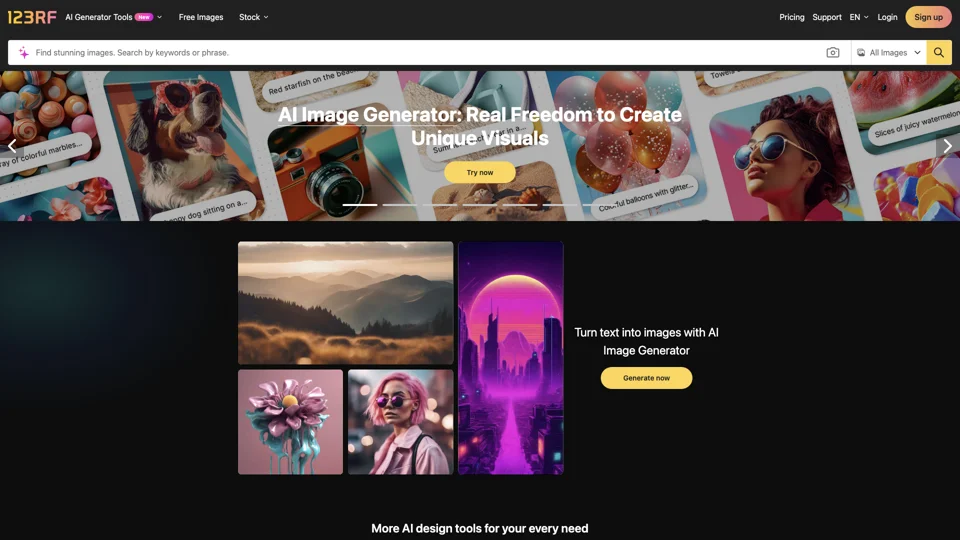
123RF
Find & download millions of HD stock photos, royalty-free images, cliparts, vectors & illustrations. Perfect for your projects!

Branded
Discover expertly crafted branded landing pages for optimized conversions. Boost your online presence with our tailor-made solutions. Get started now!
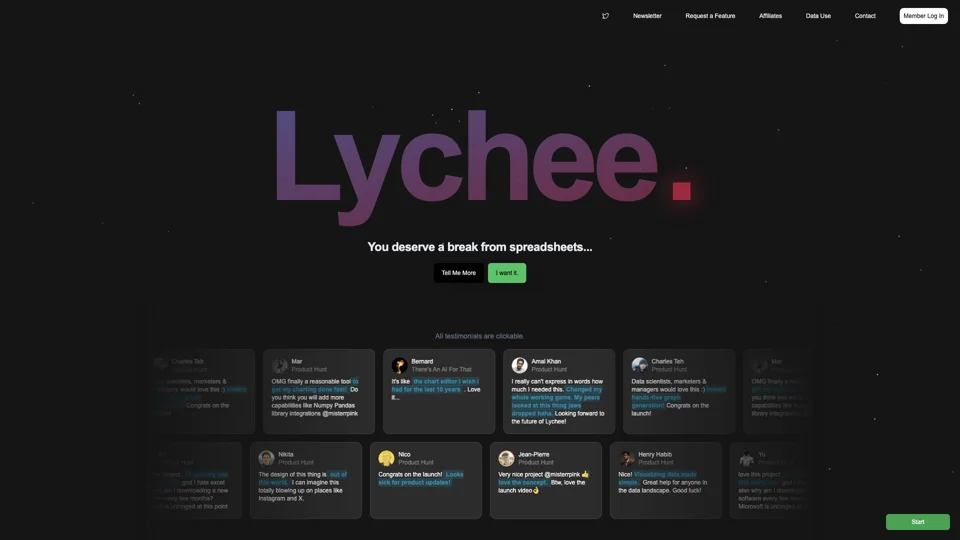
Easy Charts
Easy Charts: Effortlessly create stunning, fully customizable charts with unlimited exports and no subscriptions needed. Simplify your data visualization now!
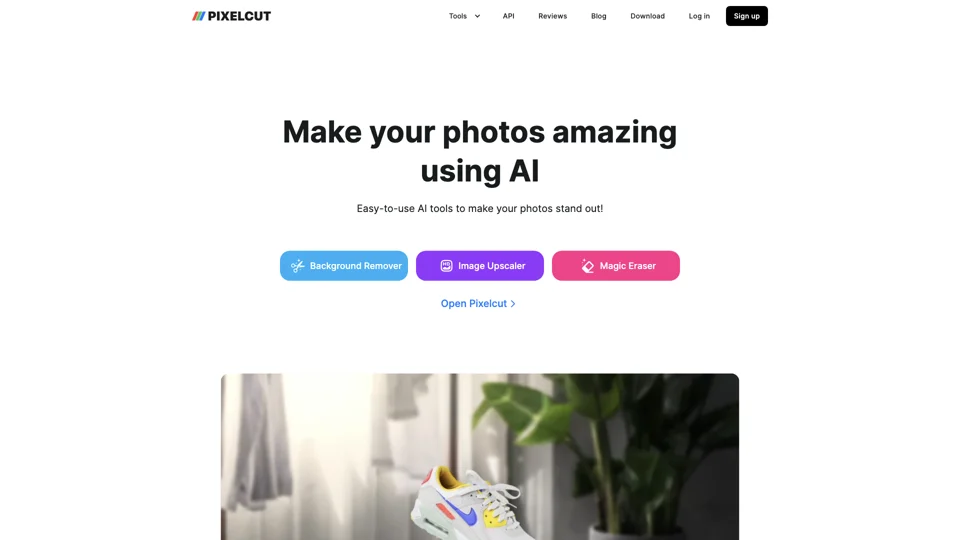
Pixelcut
Create professional online store visuals with Pixelcut - a free, user-friendly design tool for product photos & ads. Effortlessly remove backgrounds or objects from images.
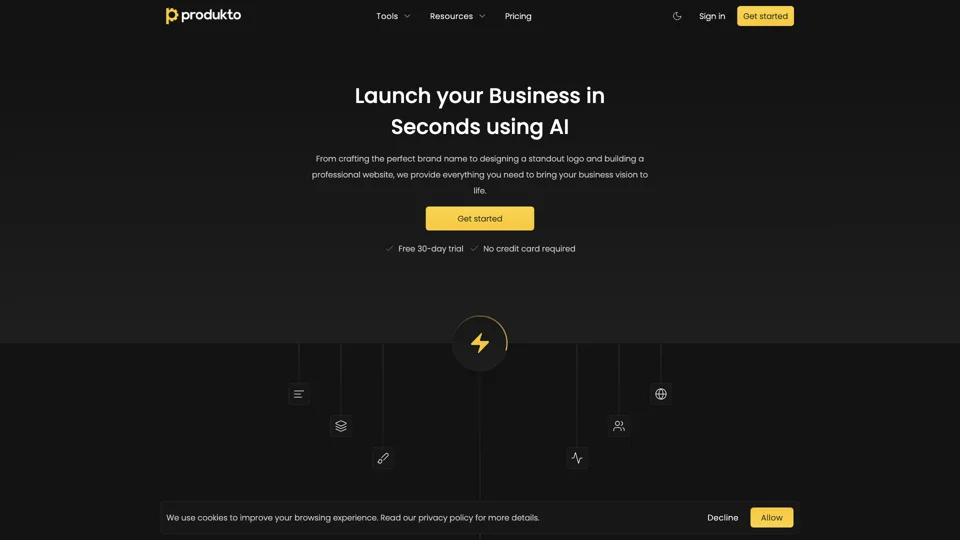
produkto
Create your brand identity effortlessly with produkto - from logo to website, fueling seamless business growth.
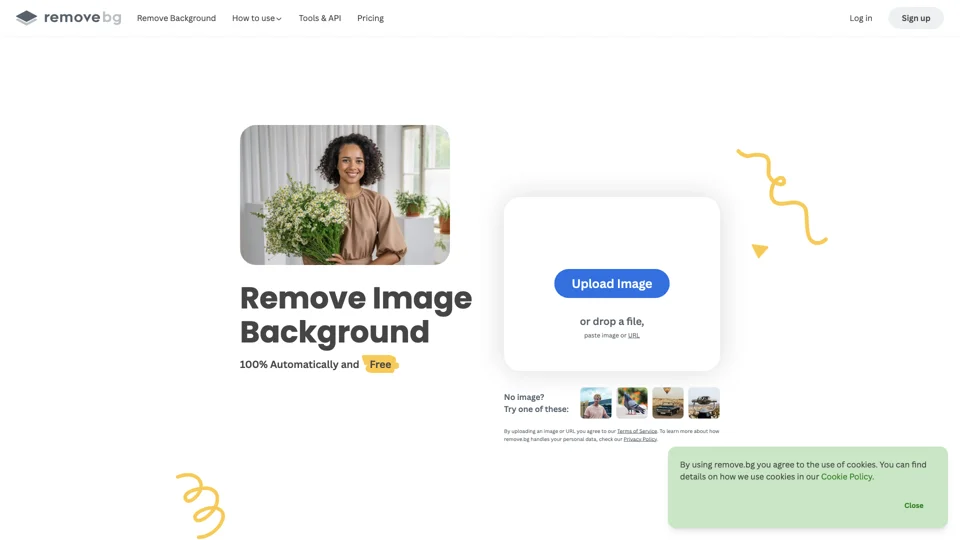
remove.bg
Automatically remove image backgrounds in 5 seconds with one click. Save time, no manual pixel selection needed. Upload now to experience the magic.
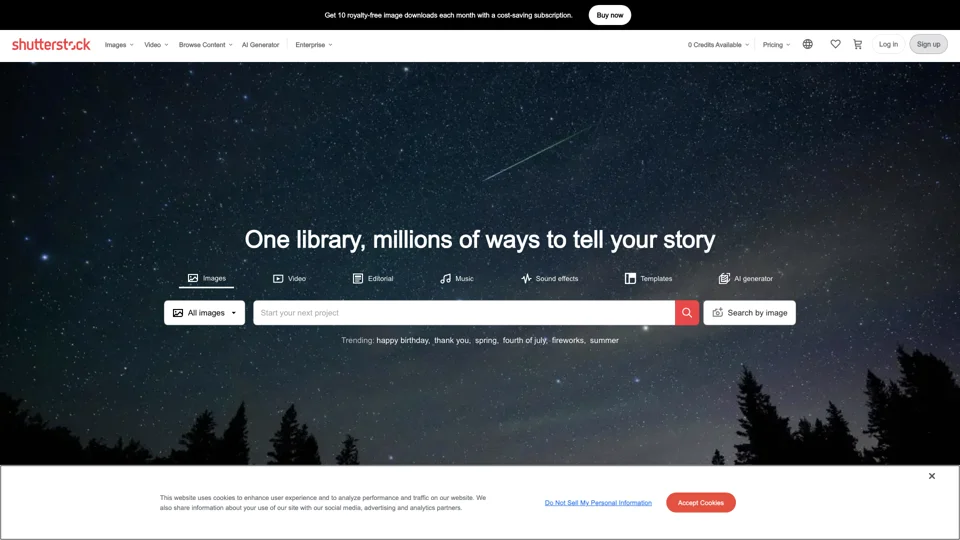
Shutterstock
Find top-quality royalty-free images, vectors, & illustrations at Shutterstock. Get straightforward pricing & simple licensing for your projects.
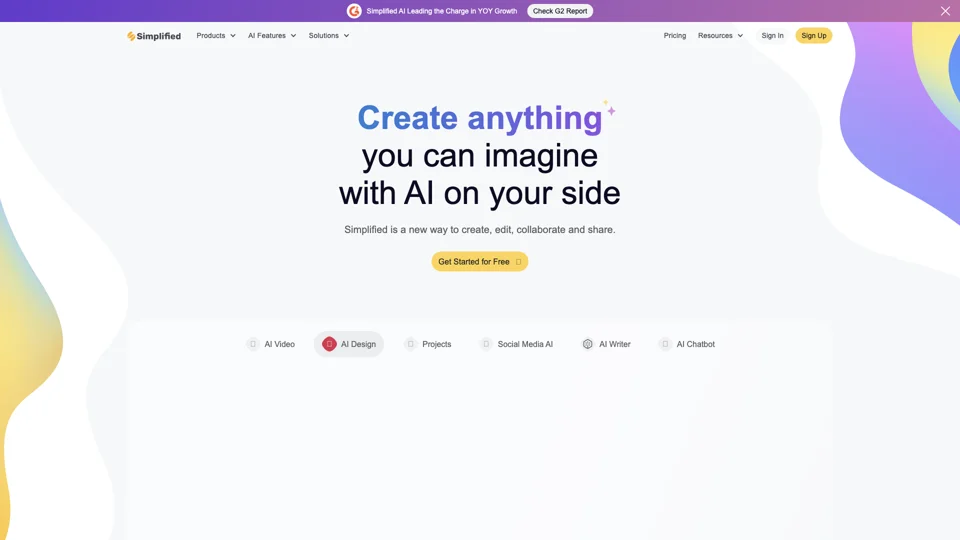
Simplified
Maximize efficiency with Simplified, the comprehensive app for modern marketing teams. Access millions of free multimedia, 30+ language content creation tools, a content calendar, & schedule social media posts. All free forever!
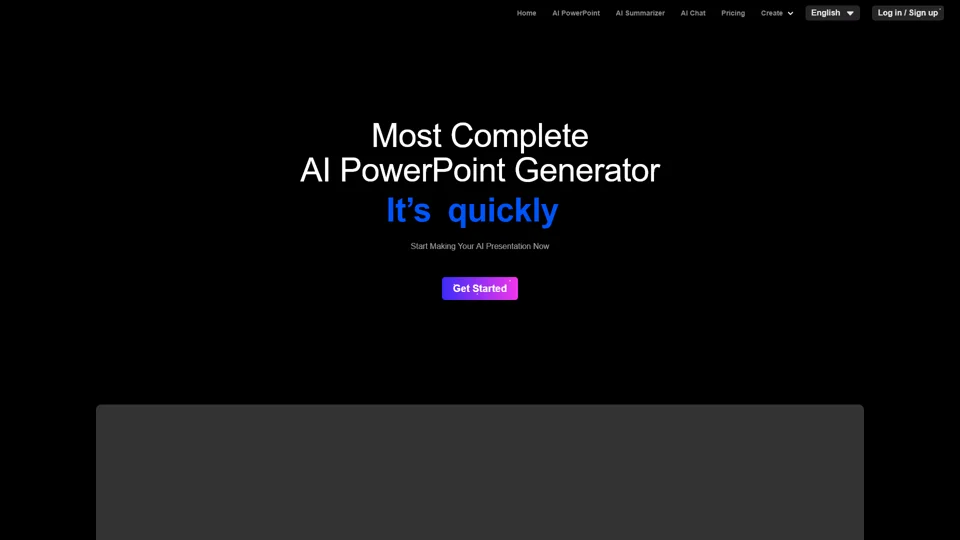
Smallppt
Smallppt: Revolutionizing presentation creation with AI for visually captivating PowerPoint slides and mind maps effortlessly designed.
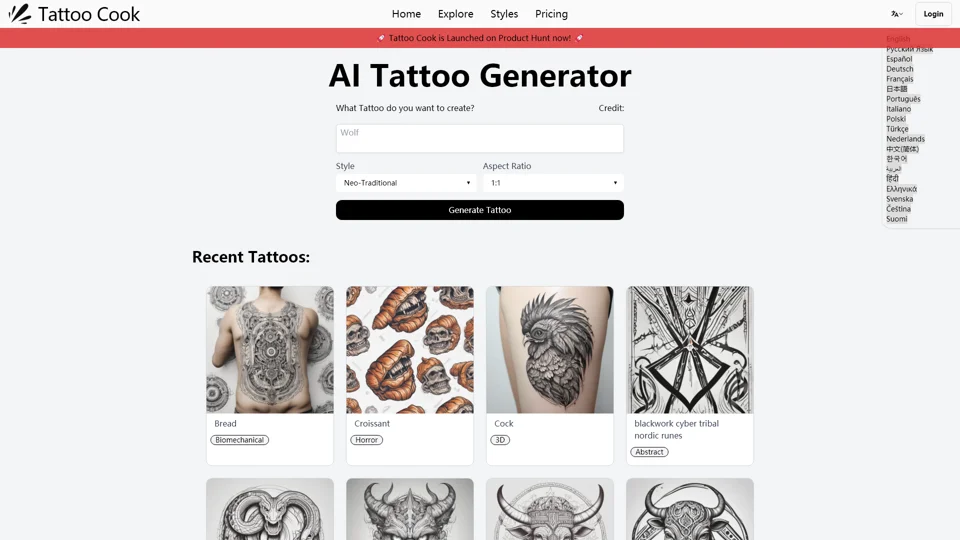
Tattoo Cook
Create stunning tattoo designs for free with Tattoo Cook's AI Tattoo Generator - no login needed! Start designing your tattoo today!

Tryonr
Generate stunning AI virtual try-on and product photography for e-commerce. Create listing-ready visuals and ad variants effortlessly. Boost sales now!
Was bedeutet Design-Tool?
Bei BuildWay wird Design-Tool als Tool-Typ verwendet. Das Tag bündelt Werkzeuge mit ähnlicher Marktposition, sodass Sie den Schwerpunkt eines Produkts verstehen können, ohne jede einzelne Detailseite sofort öffnen zu müssen.
Typische Anwendungsfälle
- Produkte mit dem Tag Design-Tool finden.
- Tools innerhalb desselben Tool-Typ vergleichen.
- Eine zu breite Liste auf passendere Optionen eingrenzen.
So vergleichen Sie Tools mit diesem Tag
Wenn Sie Tools unter Design-Tool prüfen, sollten Sie nicht nur auf das Label schauen. Vergleichen Sie den tatsächlichen Workflow, Integrationen, Ergebnisqualität, Preisniveau und wie zentral dieses Tool-Typ im Produkt wirklich ist.
Warum dieses Tag nützlich ist
Design-Tool ist besonders hilfreich, wenn das zu lösende Problem bereits feststeht und Sie ähnliche Optionen schneller durchsehen möchten.