No-Code Development Tools and Use Cases
Review how No-Code Development differs in depth, quality, and practical workflow value across products in this feature tag.
No-Code Development Tools (5)

Framer
Build professional, custom websites with Framer's free no-code builder. Enjoy design freedom, powerful CMS, AI, SEO, and real-time collaboration. Start creating today!
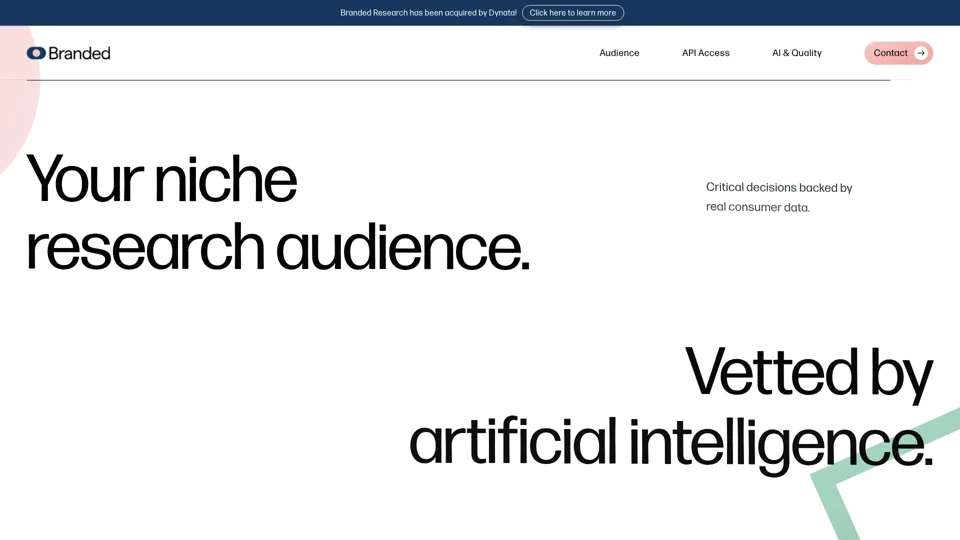
Branded
Discover expertly crafted branded landing pages for optimized conversions. Boost your online presence with our tailor-made solutions. Get started now!
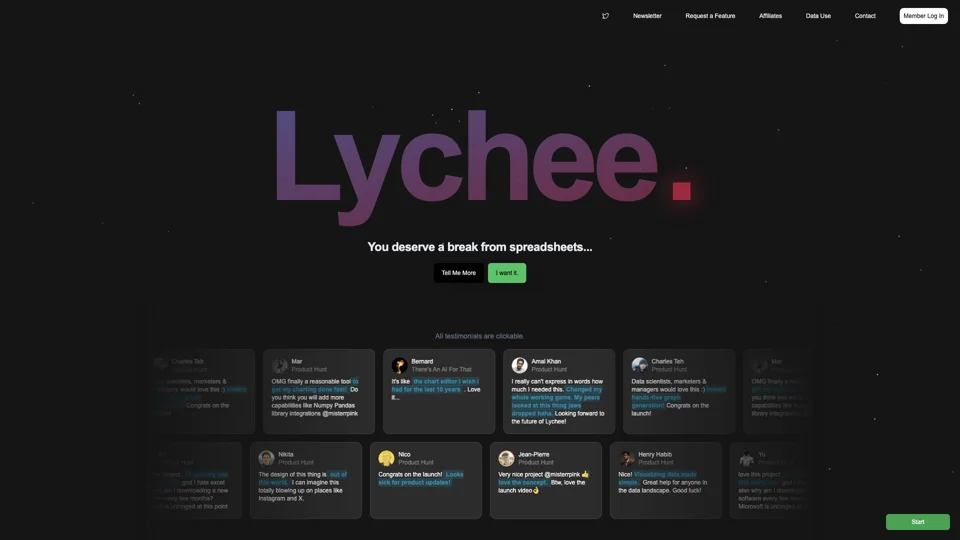
Easy Charts
Easy Charts: Effortlessly create stunning, fully customizable charts with unlimited exports and no subscriptions needed. Simplify your data visualization now!
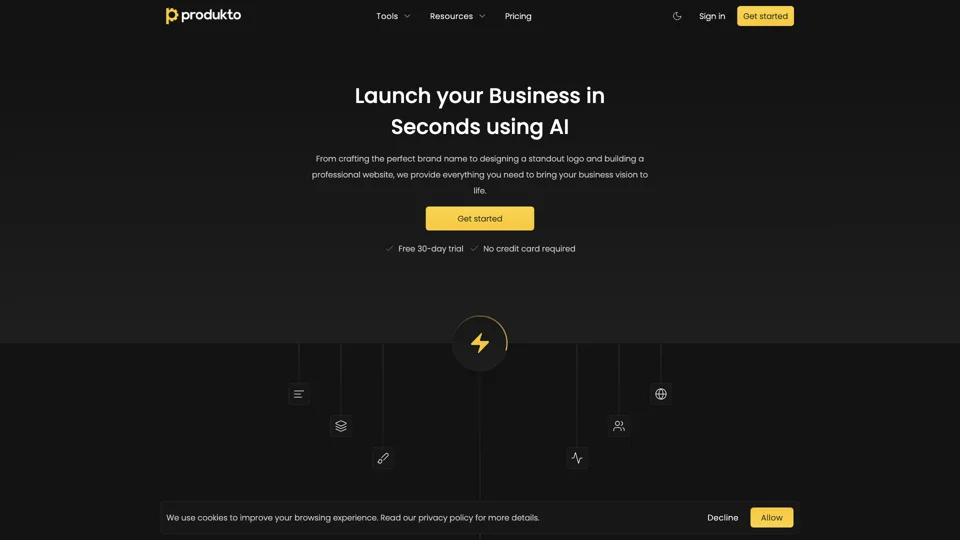
produkto
Create your brand identity effortlessly with produkto - from logo to website, fueling seamless business growth.
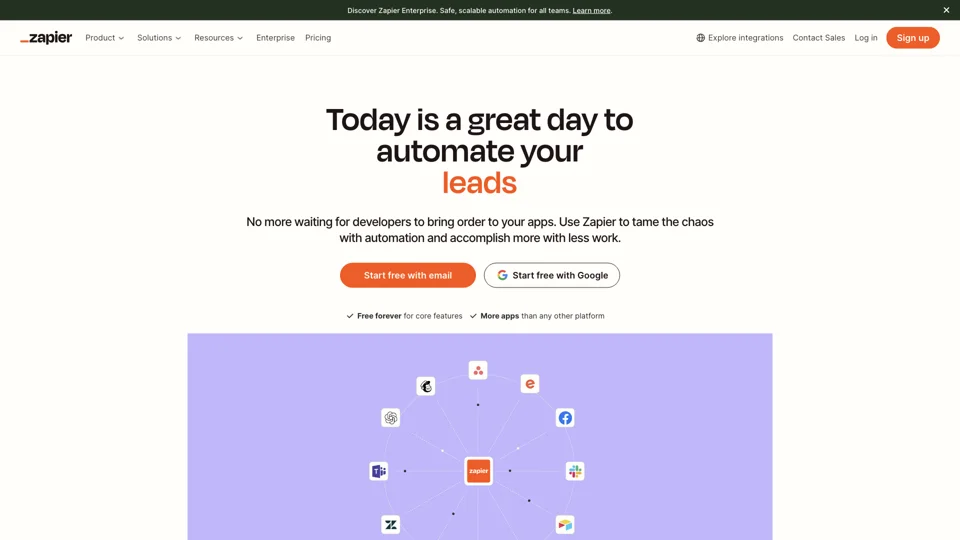
Zapier
Maximize productivity with Zapier's workflow automation software. Connect 7,000+ apps to streamline tasks, saving you time and effort. Focus on what truly matters.
What Does No-Code Development Mean?
On BuildWay, No-Code Development is treated as a feature tag. It groups tools with a similar position in the market so you can understand what a product is trying to solve before opening every listing one by one.
Common Use Cases
- Find products that match the No-Code Development tag.
- Compare tools that belong to the same feature tag.
- Reduce a broad shortlist to options that fit a clearer use case.
How to Compare Tools Under This Tag
When you review tools under No-Code Development, compare the real workflow, integrations, output quality, pricing expectations, and how central this feature tag is to the product instead of relying on the label alone.
Why This Tag Is Useful
No-Code Development becomes most useful when you already know the problem you want to solve and need a faster way to browse similar options inside the directory.